In this video, you see a quick review of iGreen accounting software and its feature.

In this video, you see a quick review of iGreen accounting software and its feature.
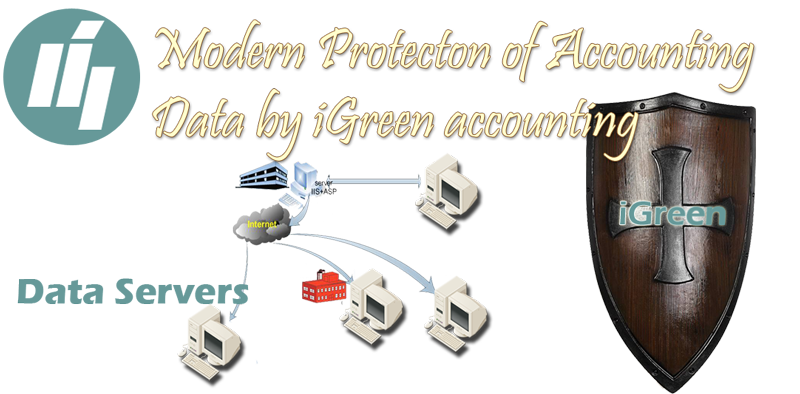
The security of financial data is very important for any business. financial status as a total of debits and credit accounts is one of the most secret information for any business owner. To protect your accounting data from unauthorized access, the data server of iGreen has been located in a separated path with 4 layered accesses and passwords by the latest technology of data processing. the engine of the SQL server is active inside of iGreen software to have a high speed with the best security.
For any account department of any trading company in Dubai, on-time support is a must. So that, and regards to consumer rights in United Arab Emirates, We offer free support. Support as free consultation and install of iGreen accounting software for business owners and shops in Dubai.
You can try iGreen accounting software without hassle and without any initial payment. Also, we adjust a time for in-person installation in your shop. You will get a clear guide about get the best reports regard to request of your company manager.
If your shops or company has been located in Dubai, so it is delight opportunity for us !. we schedule a suitable time for walk-in presentation of iGreen accounting and also we check your financial automation needs, after it, a free installation of a suitable version of iGreen will be done.

Note: Please for in-person installation, it is need to schedule a time with us. It is an important policy for iGreen IT company to be on time with its clients.
Please fill contact form about your contact details and we will call you back as soon as possbile.
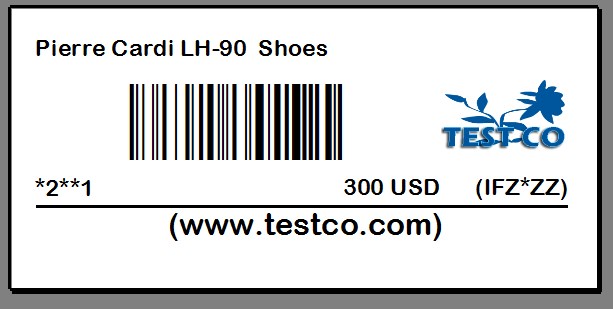
One of the most important section in software for shopping and discount center is print barcode label for sales of sub-shops to pay it in cashier in front of shop. so we are working to add this section. users of iGreen accounting should connect their PCs in shops. then in sub-sales you should only enable for user only SUB-SALES feature. so that, salesperson could easy issue price label for amount of sold item. iGreen will shows price of sales of selected item and only salesperson should input quantity/ amount of item and iGreen will calculate final price and print it on barcode label by one click only.
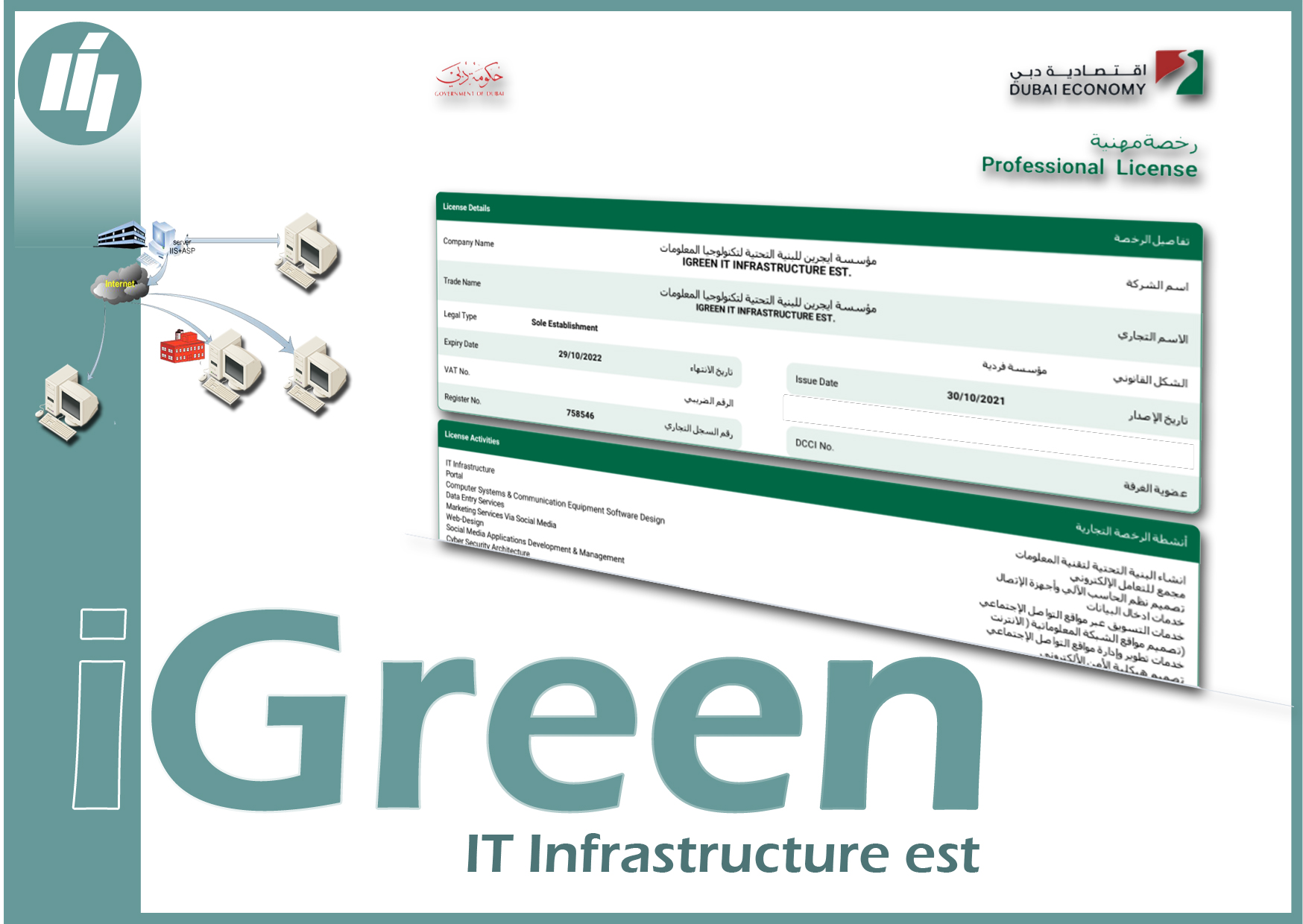
We registered iGreen IT infrastructure company in Dubai / United Arab Emirates as a legal form of our information technology services. So that, our customers can order their automation needs without hassle to our office in Dubai.
Keeping scan of documents and original receipts beside invoices and vouchers is very important. for example when you buy an item from a personal seller, you need to keep a copy of its passport or when you enter an exported sales invoice, you need to keep its export and shipping documents. in iGreen software, you can add imagers and scanned photo for any voucher separately and easily with a smart search modules.
Note: if you have iGreen software, version of 2.7 or older, please update it to version 2.8 or up.
Please click on [ Invoice ] button in home screen and then click on [List of invoices], then you will see a icon as film icon in all rows of invoices list
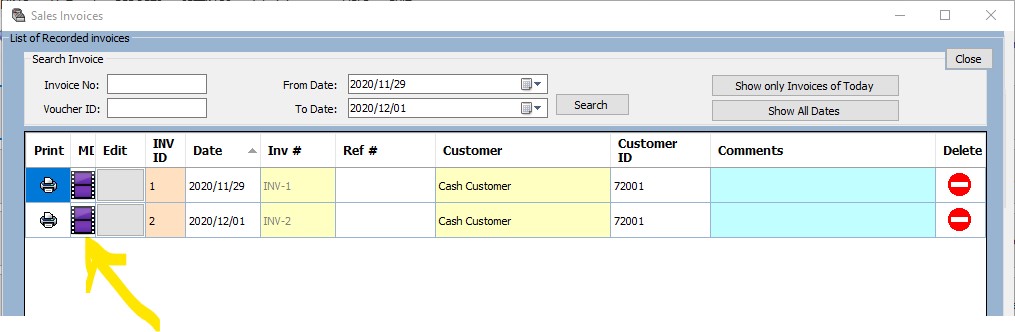
for any invoice, that you want add scanned images of documents, click on this film icon, then you will see a form as below:

1- Click on [ Add new image to voucher ID:x ] (X is number of current sales invoice, in this example is 2)
2- after select image, type a title for it and Description if need
3- click on [ Add Image ] under description textbox to add it to list of documents for invoice ID: 2
Note: You can add any quantity of images and real scanned photo that you want and no limited
Below photo is an example of added image to invoice ID: 2

To remove mages from any invoice or voucher, you can click on Red icon to right side of list
Always, maybe officers or administrators of vat department will ask you about original receipt and purchase documents for items that you sold or you have in stocks or sometimes, vat staff will ask about shipping documents and export receipt for exported invoices and this feature of iGreen will help you keep your original documents always with quick search and access.
iGreen, version 2.8 and up supports automatic backing data up with two folders:
1- A default backup on My documents
2- Selected folder by users
Please look at below movies for more information
Salespersons are important for business owners to sell more, but a good report of sales activity of salespersons could help managers to choose the best salespersons and promote them with good commission and gifts. in iGreen accounting, you can select sales person of invoices and you can adjust sales commission of each salesperson, so that you can have an accurate report of their activity and report of amount of sales commissions.
Video guides:
VAT number (or TRN number in UAE) is important to be printed in receipts, invoices and bills. as tax authority departments will fines you if there is no tax number on header of your prints.
You can put your Tax number (TRN number) in iGreen accounting software in on click only. please watch below video to see how to do it.
Note: Tax percent in UAE is 5% but in other countries maybe is different. please pat attention to this matter.
To print invoice in iGreen software, you can design a header file as your logo in head top section of paper. you can select a designed header for print in header of your invoices and receipts in iGreen software. This photo should be about 1600 X 200 pixel. to fit 100% percent in all top area of a A4 size.
Note: Any time you can remove and change this header logo from setting menu.
In this video, you will see how to select and adjust a header for invoice printing as your official invoice format.
We can design header logo for our customer without any extra charge. you should provide us information as below: